
-
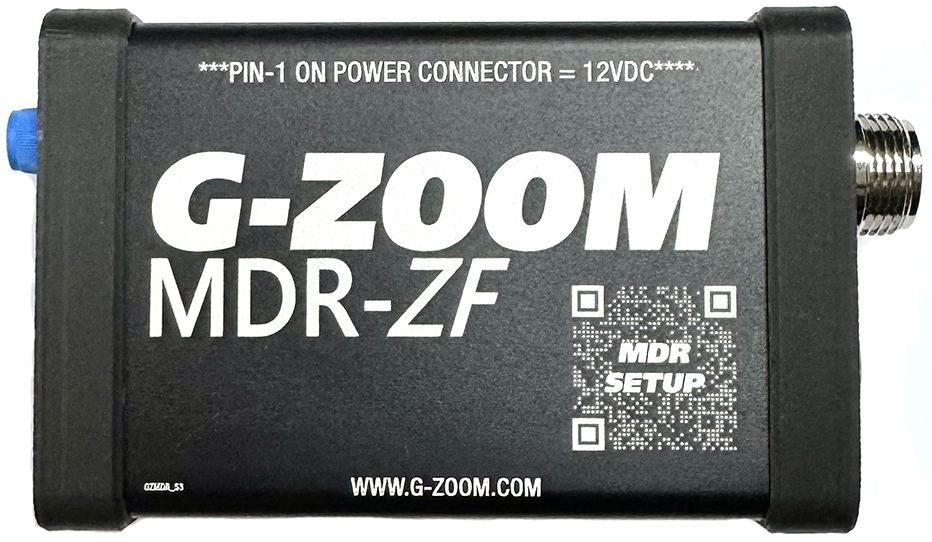
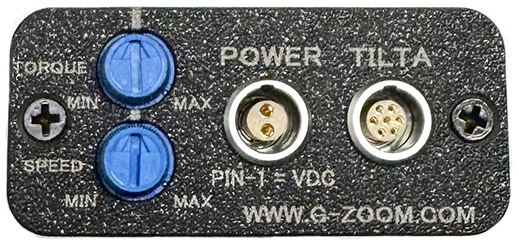
Powering up the MDR: The MDR is powered by a 12-volt source from your sled, or a P-Tap cable. There is no power switch, it is powered up as soon as power is applied to the MDR.
-
Connect the motors via 7-pin LEMO connector on the MDR and cables supplied with Tilta motors. Tilta motors can be daisy-chained to one another via the 7-pin LEMO connector on the motors.
-
Power on motors by pressing the Power button on the motor. (All daisy-chained motors will power on.)
-
Setup Tilta Nucleus-M motors for direct cable connection control. Press menu button twice to enter program mode.
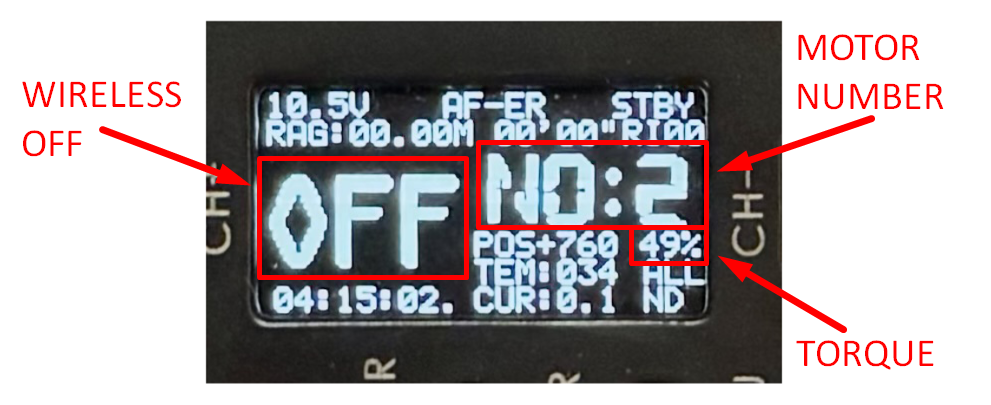
- IMPORTANT: Turn off wireless mode.
- Assign Motor 1 for Focus.
- Assign Motor 2 for Zoom.
-
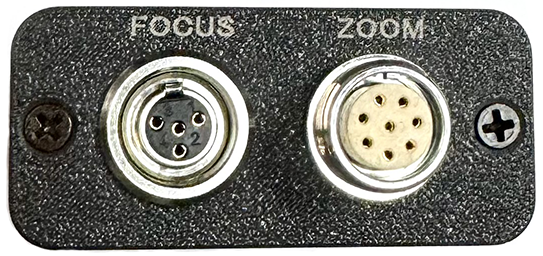
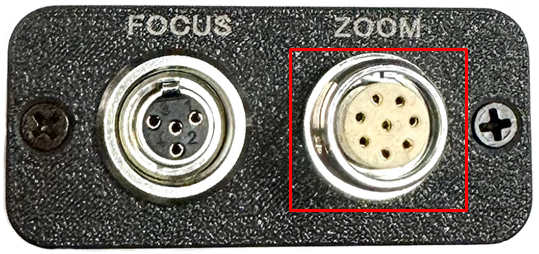
Connect the G-Zoom Zoom connector to the Zoom connector on the MDR.
-
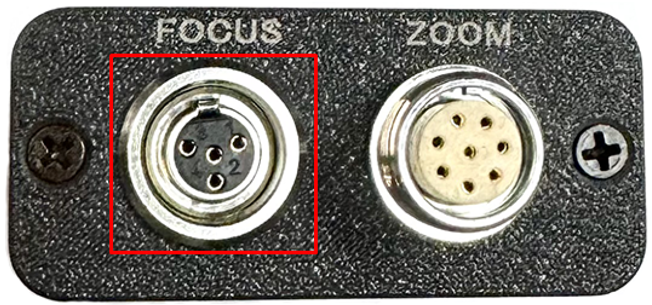
Connect the G-Zoom Focus connector to the Focus connector on the MDR.
-
Adjust torque knob as needed (50% shown in motor display works for most lenses). Torque adjusts all motors. (The Torque knob is a master torque knob that adjusts the torque of all motors.)
-
Adjust Zoom Speed Use the G-Zoom speed knob for on-the-fly changes. The speed trimmer (master speed) on the MDR sets the max zoom speed as well as a very slow speed if desired.
-
Calibrate each motor (Lens Mapping) With the motor mounted and meshed against the lens hold the (CH-) button for 3 seconds the motor will then automatically map the lens throw, do this for both motors (Focus and Zoom) if connected. After the lens maps, rotate the focus knob, and the rocker so the MDR will recognize the lens throw on the G-Zoom. The motors save this mapping when powered down.
-
Changing direction (zoom or focus):
- Via VTR start/stop button: (Only available when connected to the MDR) Hold ~3 sec for focus direction, ~4–5 sec for zoom direction. Observe actual behavior to confirm.
-
Web config (zoom rocker calibration): If zoom in/out speeds feel uneven (lopsided rocker), use the web config:1. Connect your phone or WiFi device to G-Zoom-MDR (password: gzoom123)
2. Open browser: http://192.168.4.1
3. Follow the Rocker Calibration section: Reset & Re-measure, push rocker full left and right for 5–10 sec each, then Save.**Zoom rocker calibration can be performed without the web following the steps below.**
- Hold RET button for 6-7 seconds to start calibration
- Push rocker left hold for 7-8 seconds
- Push rocker right hold for 7-8 seconds
- To save calibration hold VTR start/stop button for 5 sec again to save
**For focus knob and zoom rocker direction, the g-zoom has switches for each on the unit. It is recommended to use the steps below when connected to the MDR to change these! **
**The G-Zoom rocker is pre-calibrated. Adjust only if symmetry issues occur (see steps below).**